
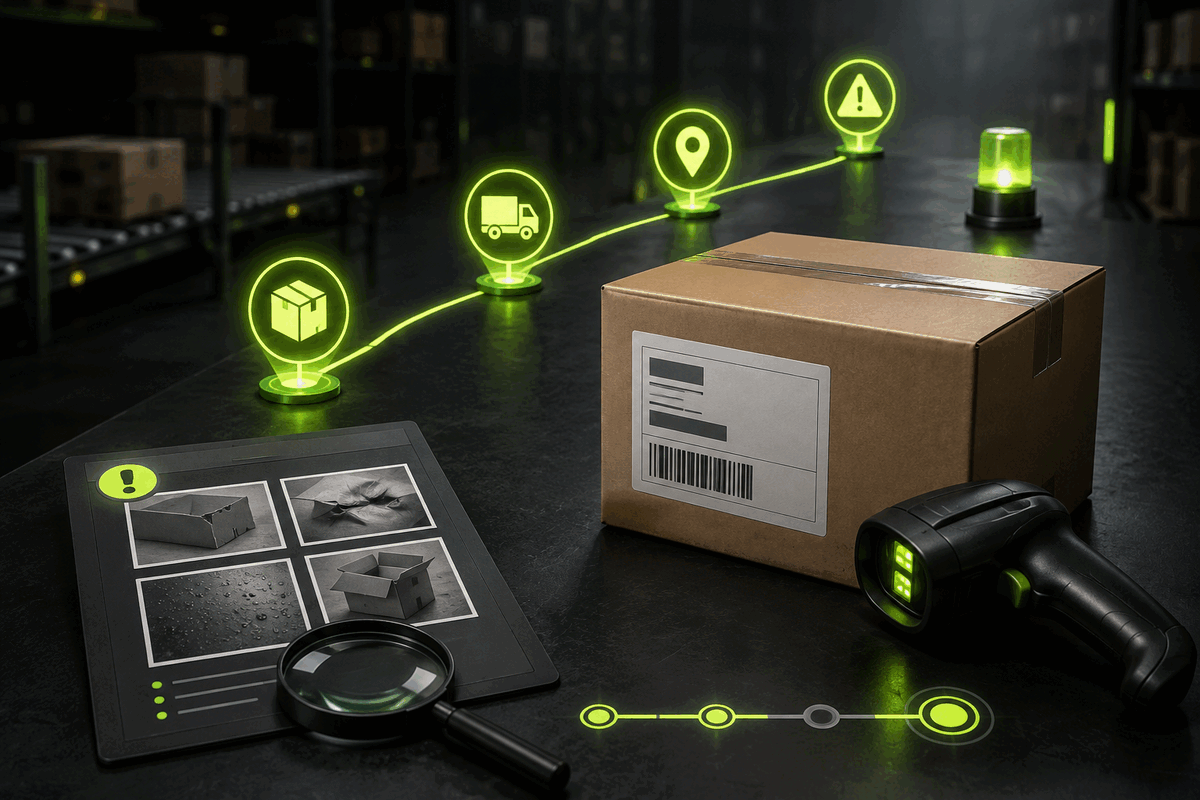
Start with the parcel, not the original product order
A CSSBuy shipment has two related records with different jobs. The order record covers purchasing, warehouse arrival, inspection and seller-side questions. The parcel record begins when selected warehouse items are consolidated and submitted for international delivery. CSSBuy’s public workflow says a dispatched package can be followed in User Center under My Parcel. Its service page directs questions about tracking, logistics updates and parcel details to the relevant parcel’s Add Note function.
That distinction matters. A message on an old product order may describe the item perfectly but fail to identify the shipment now moving through a carrier network. Open My Parcel first and verify the parcel number, tracking number, destination and included orders. If one haul was divided into two packages, treat each package as a separate case. Never assume a scan from one tracking number applies to its sibling.
Use an order note for purchasing, inspection, return or refund questions tied to one item. Use the relevant parcel note for international tracking, package details and delivery problems.
Save a complete baseline before the first scan
Tracking is easier to interpret when you know exactly what left the warehouse. At dispatch, save the parcel number, tracking number, selected route, destination, declared contents record, package weight and dimensions shown in your account, included order numbers and the date CSSBuy marked it sent. Also save the parcel photo if one is available. This is your fixed baseline; later screenshots should be compared against it, not against memory.
CSSBuy explains that the international shipping deposit is estimated from product weight, route and destination, while the final shipping fee is based on package size and weight verified by the shipping company. That means an estimate, parcel specification and carrier scan serve different purposes. A weight adjustment is not itself a tracking event, and a tracking event does not prove the contents. Keep financial, physical and movement evidence in separate folders.
- Name screenshots with the parcel number and capture date.
- Record the complete destination without sharing it publicly.
- List the included order numbers and expected item count.
- Keep the dispatch photo separate from later delivery photos.
- Copy each scan in its displayed order, including its local timestamp.
Read scans as checkpoints, not promises
A tracking line is evidence that a system recorded an event. It is not a guaranteed delivery schedule. Read each entry through three fields: location, action and time. Location may be a city, gateway or facility. Action describes acceptance, processing, departure, arrival, customs handling or delivery activity. Time tells you when that event was recorded, which may use the event location’s local clock.
Start by comparing the newest event with the previous one. A new facility usually means physical progress. Repeated processing language at the same location may be an operational handoff, a duplicate data feed or a real hold; the words alone cannot establish which. An airline departure message does not prove destination-country import release. A customs entry does not prove a problem. A delivery attempt does not prove successful receipt.
Use a three-state ledger
Mark every new scan as movement, control or delivery. Movement covers transfer between facilities. Control covers security, customs or information checks. Delivery covers local courier possession, attempt and completion. Add a fourth label, unclear, whenever the wording cannot be interpreted safely. This prevents an anxious guess from becoming a false fact in your support request.
Investigate a contradiction, not merely an uncomfortable wait
International parcels pass through third-party logistics companies and customs. CSSBuy’s official buying workflow explicitly warns that delays, confiscation, taxes, damage and missing packages can occur during this stage, and that CSSBuy cannot control or guarantee unaffiliated companies. Because routes and external operations differ, there is no responsible universal number of quiet days that proves loss.
Instead, look for a checkable contradiction. Examples include a delivered scan when nobody received the parcel, an address exception despite correct account details, a customs request you cannot answer, a tracking number that the parcel page still cannot follow after dispatch data should be present, or two carriers showing incompatible events. A long quiet period can justify a question, but describe it with exact dates rather than declaring the parcel lost.
- Refresh My Parcel and capture the full event history.
- Compare it with the final carrier view available to you.
- Check household members, reception, safe places and local notices.
- Write the last confirmed event, location and timestamp.
- State the contradiction and the specific fact you need CSSBuy to verify.
Write a parcel note that can be acted on
A useful note is a compact case file, not a stream of frustration. Begin with the CSSBuy parcel number and tracking number. State the latest scan exactly as displayed, then give its date and location. Explain what you checked locally. Finish with one request, such as confirming the logistics status, identifying the carrier responsible for the next step, or advising what document is required.
Do not mix unrelated orders or multiple parcels into the same note. Do not say “no update for ages” when you can provide two timestamps. Avoid guessing that customs, the airline or CSSBuy caused the delay. If the tracking wording is unclear, label it as unclear and attach the screenshot. CSSBuy directs parcel enquiries to My Parcel, the relevant parcel and Add Note; keeping the conversation there preserves the identifier and context together.
Parcel and tracking number → last confirmed event → exact date and location → checks already completed → one contradiction → one requested action. Remove passwords, payment details and unrelated personal data.
Document the handoff before opening a troubled parcel
If the carton arrives wet, crushed, cut, retaped or partly open, photograph it before disturbing the condition. Capture all six sides, the shipping label, every damaged edge, the sealing tape and a wide view showing the whole package. If possible, record one continuous opening video that begins with the sealed parcel and shows each item being removed. Preserve the external packaging, internal protection and labels until the question is resolved.
Then compare the received items with your dispatch baseline. Count pieces first. Match order numbers and variants second. Assess visible damage third. A missing accessory, a wrong seller variant and transit damage are different problems even when discovered in the same unboxing. Separate them in your notes so the correct record can be investigated.
Before shipment, CSSBuy offers optional package reinforcement by remark, and its forwarding page says fragile goods can be wrapped with bubble film to reduce damage risk to some extent. Reinforcement is a risk-control request, not proof that damage cannot happen. Your warehouse condition photos, parcel baseline and arrival evidence together create a much clearer timeline than a single close-up taken after everything has been unpacked.
Handle common delivery problems without destroying evidence
The tracking says delivered, but the parcel is absent
Confirm the destination and timestamp, check reception, household members, safe places and any local delivery notice, then save the delivered scan. Ask the local carrier for the delivery detail available to the recipient. In the CSSBuy parcel note, report those checks and ask for the logistics information CSSBuy can verify. Do not confirm delivery in your account while receipt remains unresolved.
The parcel arrived damaged or short
Keep the carton and protection, photograph the untouched condition and inventory every item against the dispatch baseline. Show package-level damage separately from product-level damage. If something is missing, identify the exact order and quantity rather than reporting only a total value. Submit one organized evidence set under the relevant parcel.
Customs or a carrier requests information
Save the complete request and deadline. Verify that it relates to your tracking number before responding. Ask what specific document or field is required instead of sending a large collection of unrelated records. Never alter a document or invent a value to force movement. Customs decisions and third-party operations sit outside CSSBuy’s direct control, so factual consistency is your strongest tool.
Questions buyers ask when tracking becomes uncertain
Where does CSSBuy say I should track a dispatched parcel?
The official buying workflow directs users to User Center and My Parcel after dispatch. The same parcel record provides Add Note for contact about that shipment.
Does a quiet tracking page prove the package is lost?
No. A quiet page shows that you do not have a newer visible event. It does not establish the package’s physical location or final outcome. Report the exact last event and date, then request verification without assigning a cause.
Should I ask through My Order or My Parcel?
Use My Order for purchase, inspection, return or refund issues tied to an item. Use My Parcel for tracking, logistics updates, parcel details and delivery questions tied to the international shipment.
Can CSSBuy guarantee the carrier or customs stage?
No. CSSBuy’s public workflow states that third-party logistics and customs can create delays, taxes, damage, confiscation or missing-package events that CSSBuy cannot control or prevent. Ask for help, but do not treat support as a delivery guarantee.
What is the strongest evidence after visible damage?
A continuous timeline: warehouse condition evidence, parcel details at dispatch, photographs of every exterior side before opening, an opening video, retained packaging and an item-by-item inventory. None proves every cause alone; together they make the facts easier to evaluate.
Close the parcel only when the physical facts agree
When the package arrives normally, compare the label, item count and variants with your baseline before confirming delivery. Archive the final tracking history and a simple receipt photo. If a problem remains, keep the parcel record open, continue in the same note thread and answer requests with clearly named evidence.
The point of tracking is not to predict every handoff. It is to maintain a reliable chain from warehouse dispatch to physical receipt. Start in the correct record, separate scans from assumptions, document contradictions and preserve the arrival condition. That discipline cannot remove international shipping risk, but it gives you better decisions at every stage and a far stronger report when help is genuinely needed.